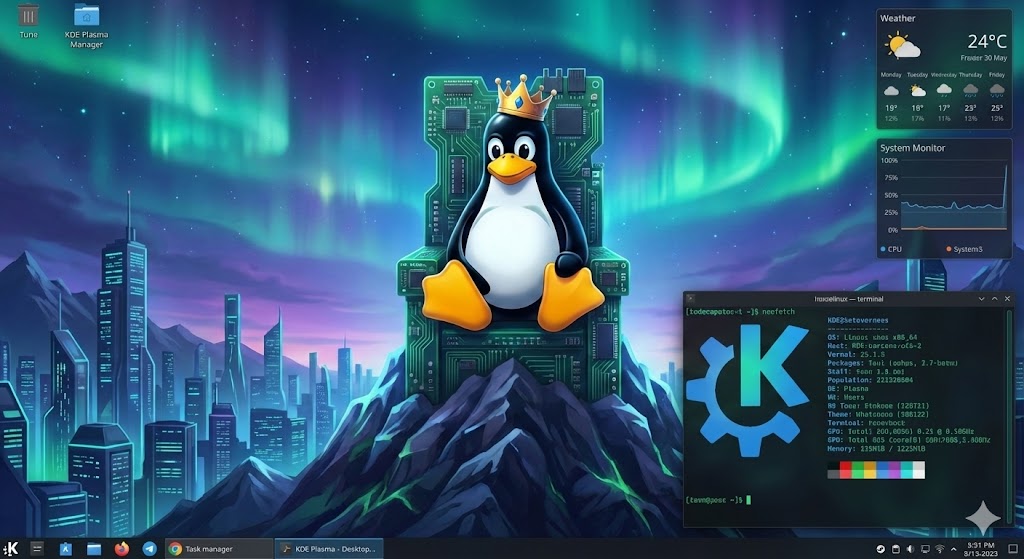
When choosing which Linux Desktop Environment you will use, what is the best available? K Desktop Environment, or shortened to KDE, is a desktop environment for Linux desktop operating systems. Recently KDE was updated to QT 6, which is necessary for proper Wayland support. There are a variety of different Linux distributions and desktop environments, and you can choose which desktop environment to use independently from the distributions. While at first glance it looks similar to KDE 5, KDE 6 (and QT6) mark an important step to broader Linux adoption, with the performance improvements to match. We will be using Fedora 42 KDE as the baseline distribution for this article.
X vs Wayland
A recent edition since KDE version 6 is Wayland support, a key component of how the desktop works graphically. Up until recently, all Linux desktops used X.org to manage the desktop space and video stream. X.org comes from the beginning times of Linux, appearing in 1984 via an MIT project, with version 11 appearing in 1987 (still being used today!): https://en.wikipedia.org/wiki/X_Window_System
Origin:
The purpose of X.org was to create window and graphical system similar to competing commercial solutions. Over time, it was realized that X.org’s implementation was inefficient, and so the Wayland project was born. Wayland is the modern Linux window system used in KDE 6, that doesn’t require a separate compositor, and its performance and security is better than X.org. Wayland also supports QT 6, a major performance and functional overhaul to desktop environment rendering. QT 5 has been the standard render/window manager tool used for over 10 years, but its “bones” are based on older less compatible solutions. Wayland did not function as well using QT 5, so its adoption was limited at best. One major upgrade QT 6 brought to Wayland is HDR support, along with a modern graphics rendering engine (Vulkan, Metal, Direct3D, etc…) to add to performance compatibility.
Issues:
This is still an ongoing project, so bugs and compatibility problems do occur. One thing I noticed is that streaming with TeamViewer to another desktop causes many graphical artifacts and potential latency issues. The developers of KDE decided that Wayland is sufficiently functional and stable to make it the default window manager for KDE 6, and my opinion so far is that it is functional and stable enough to work with new desktop installs. This is going to be a series of blog posts, so tune in this week for the next article!
FAQ: X.org vs Wayland in KDE Plasma 6:
What is X.org?
X.org (or X11) is the traditional Linux display server from 1984 (version 11 in 1987). It’s been the standard for managing windows and graphics for decades.
What is Wayland?
Wayland is a modern replacement for X11. It simplifies the graphics stack, with apps rendering directly via a compositor for better performance and security.
Why does KDE Plasma 6 default to Wayland?
KDE developers deem it stable enough for daily use. It offers smoother performance, better security, and modern features like HDR, thanks to improved Qt 6 support.
Main advantages of Wayland over X.org?
- Higher performance and lower latency
- Stronger security (apps are isolated)
- Native HDR and better high-DPI support
- Simpler, more efficient architecture
Questions?
If you have any questions or comments feel free to leave them below.
Related Resources
View our guide on How to Install WordPress on Ubuntu 22.04.
Learn How to Permanently Disable Windows Defender.
Check out our Installing Elementary OS: A Comprehensive Guide for Beginners article.
View our How to Install an Nginx RTMP Server in Ubuntu 22.04 tutorial.
Learn more cool things in Linux with our Linux Tutorials.
View all of our available online tools and converters at Formatswap.com.